How to Upload to Imgur from iPhone or Android
You don’t need the Imgur app, or an Imgur account, to put a photo from your phone online. UploadImgur runs in Safari, Chrome or any other mobile browser and gives you a link you can share to any app.
How to upload from your phone, step by step
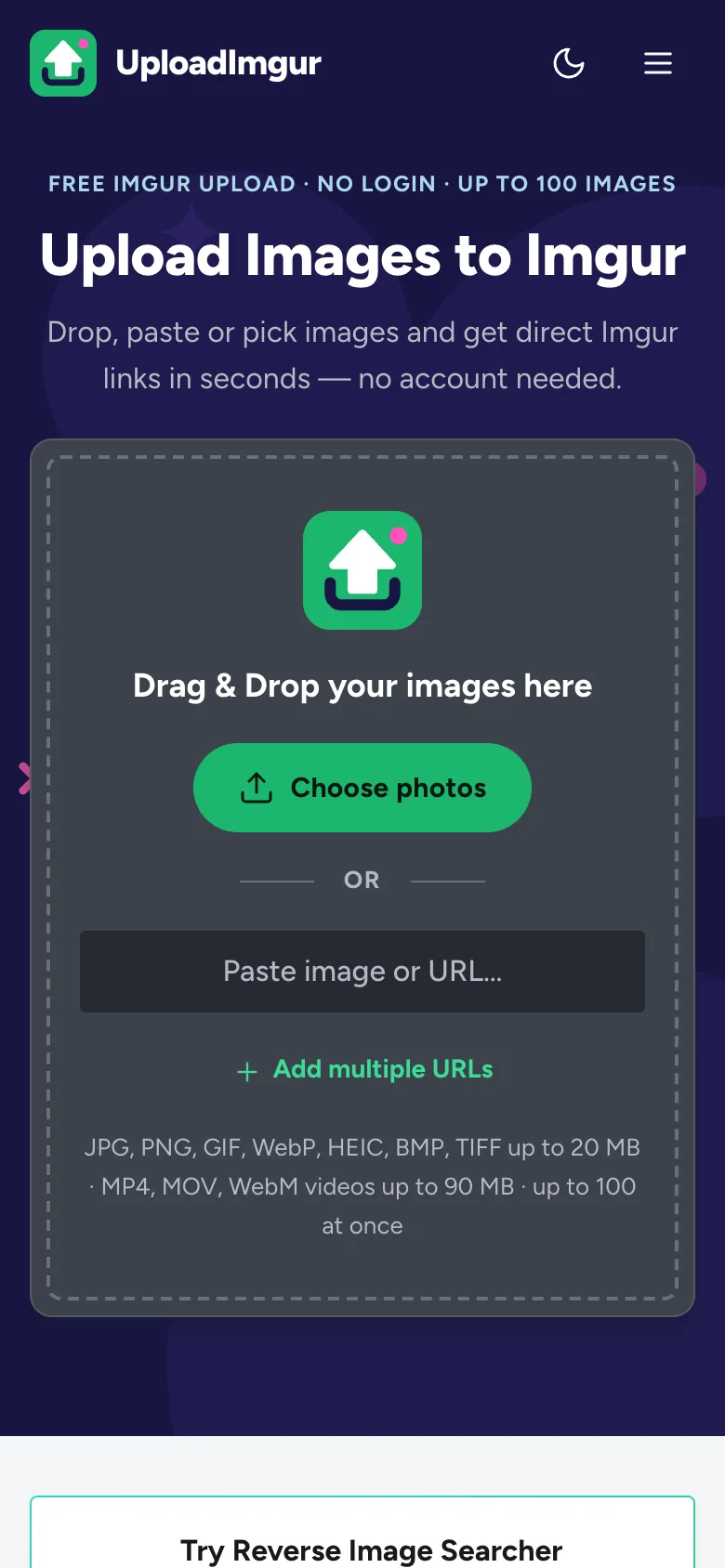
Open UploadImgur.com in your browser
Go to uploadimgur.com in Safari, Chrome, Samsung Internet or Firefox.
Tap Choose photos
Your phone asks where to get the files from. On iPhone, choose Photo Library, Take Photo or Video or Choose File. On Android, pick your photos in the gallery or file picker. You can select several at once.
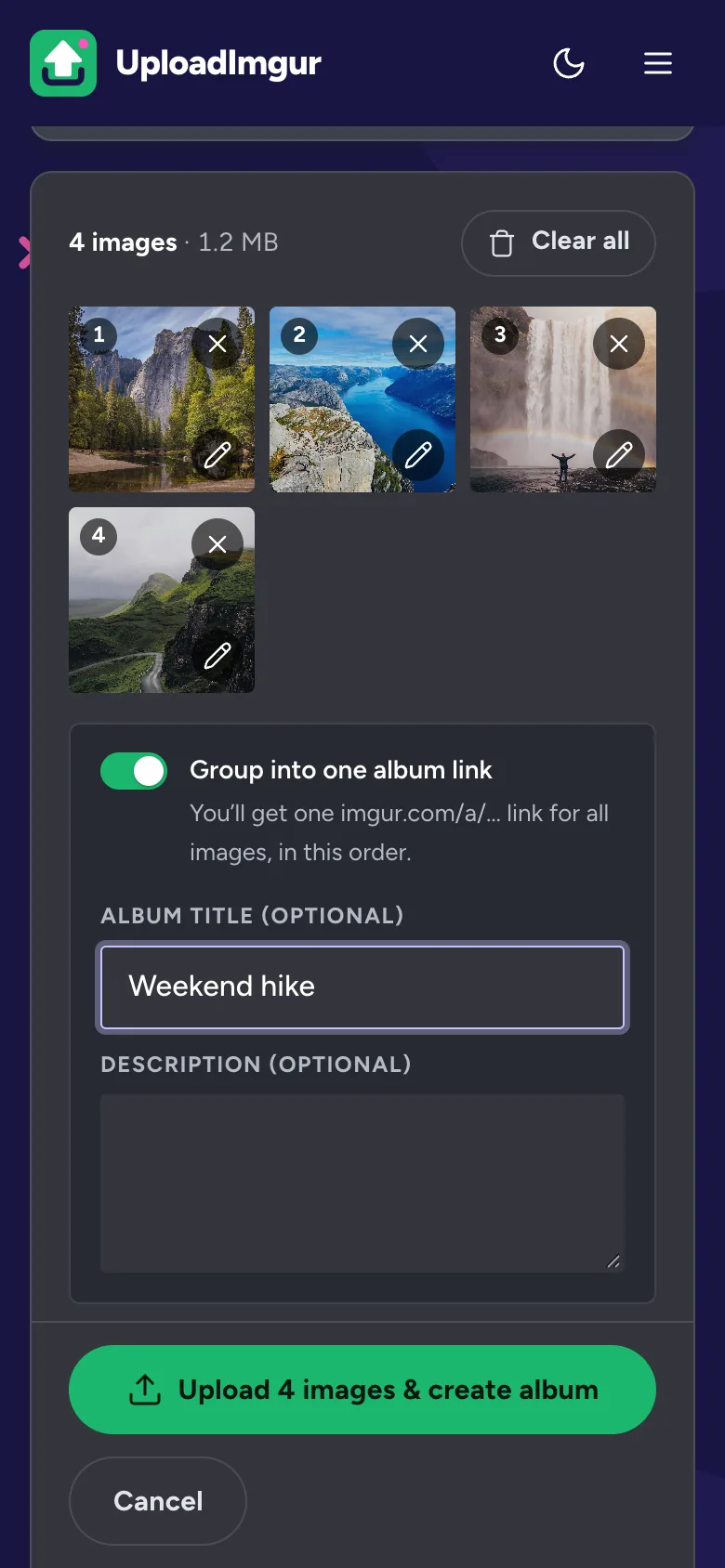
Check the queue
Your photos appear as numbered tiles. Tap a tile to move it, tap the × to remove it, or tap the pencil to crop, rotate or black out details. To share several photos with one link, turn on Group into one album link and give it a title.
Tap Upload
Keep the browser open on the page until the upload finishes. If your screen locks, the upload may pause; if anything fails, tap Retry failed.
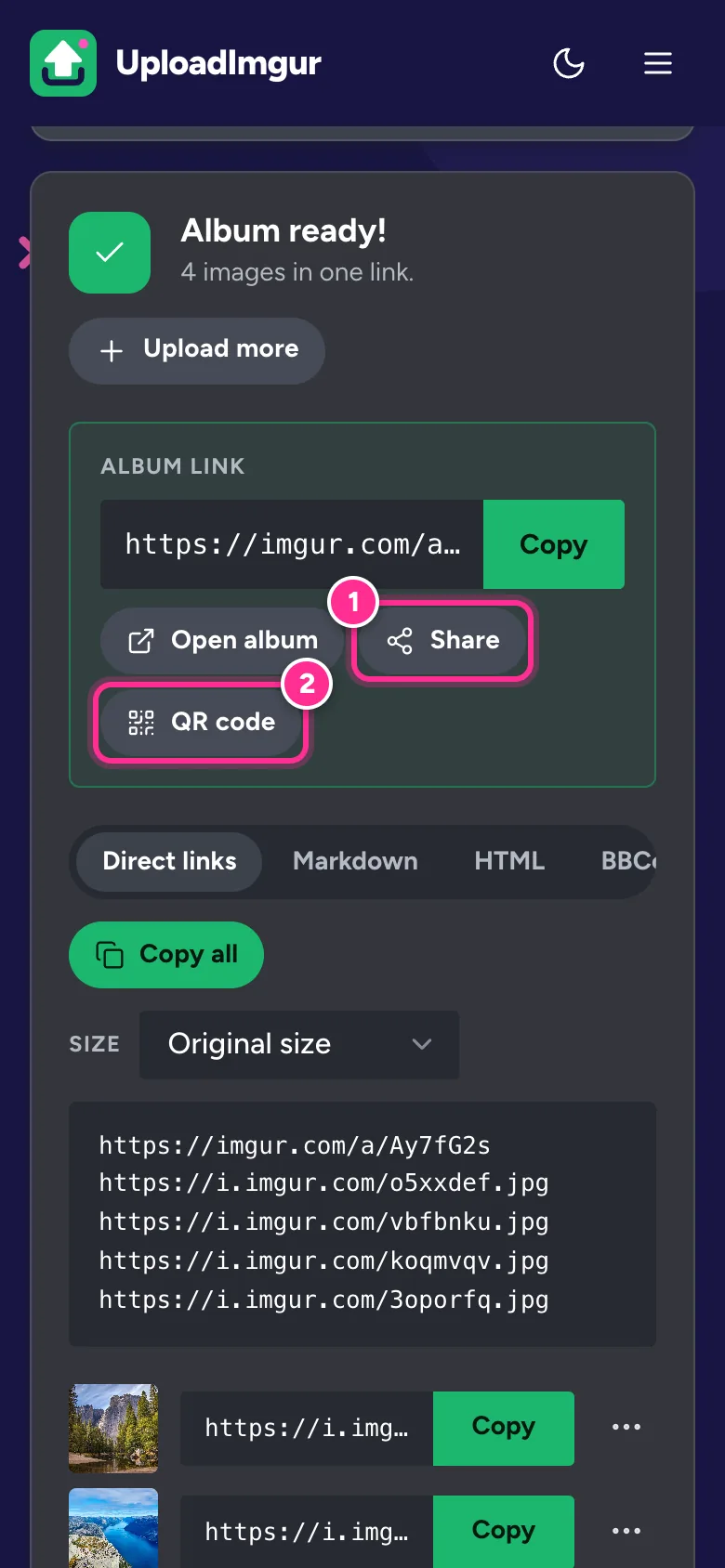
Copy or share the link
Tap Copy to copy a link, or Share to send it straight to WhatsApp, Messages, Telegram, Reddit or any other app.
iPhone HEIC photos
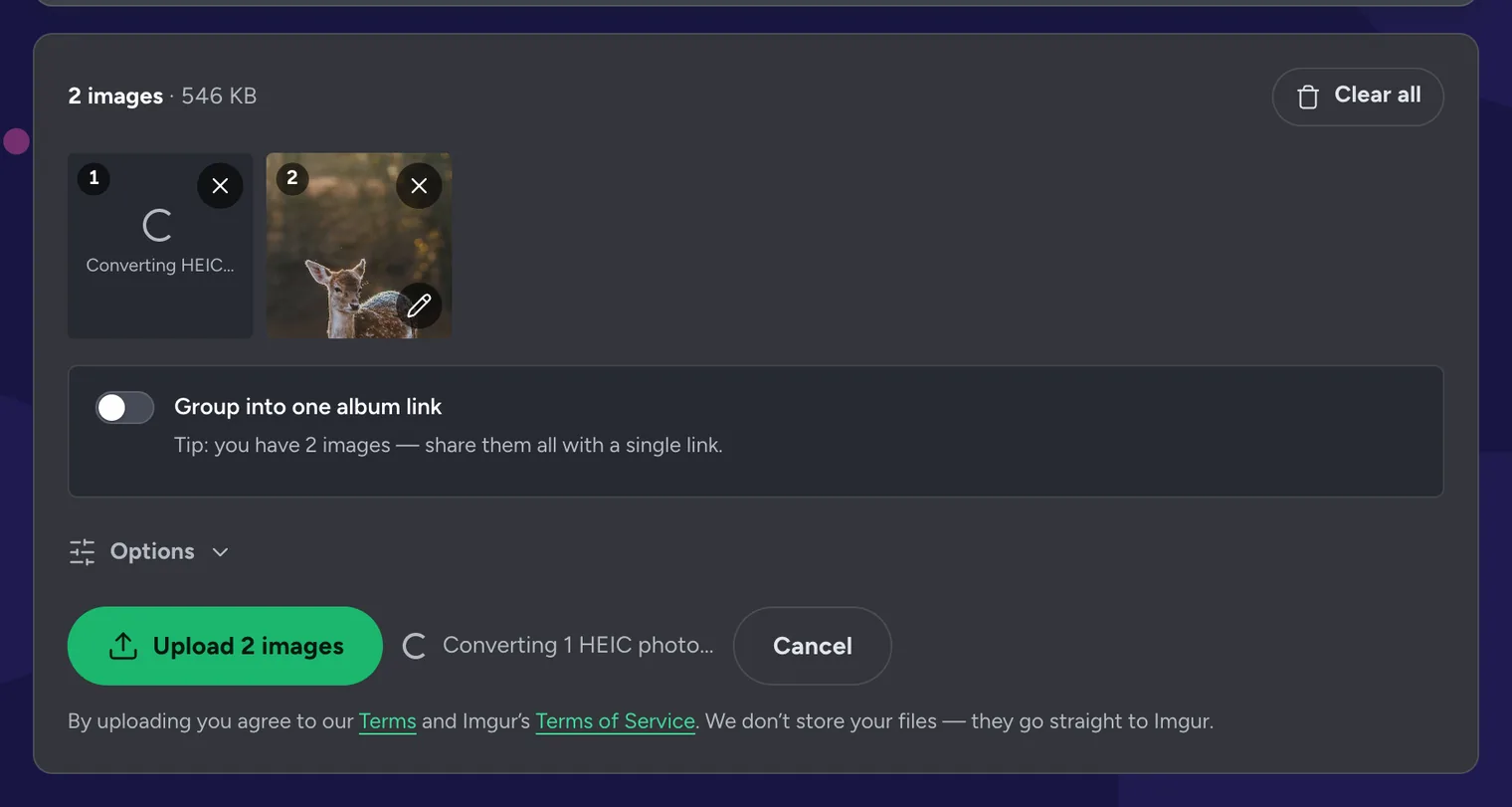
iPhones save photos as HEIC by default. The format saves space, but Imgur and many websites can’t open it. UploadImgur converts HEIC photos to JPG on your phone, as soon as you add them, so you don’t have to do anything. The tile shows Converting HEIC… for a moment.
If you would rather your iPhone took JPG photos in the first place, open Settings → Camera → Formats and choose Most Compatible.
Android: share straight from your gallery
On Android you can add UploadImgur to the Share menu, so uploading takes two taps from Google Photos or your gallery app.
- Open uploadimgur.com in Chrome.
- Tap the ⋮ menu and choose Add to Home screen or Install app.
- In your gallery, select photos, tap Share and choose UploadImgur. The photos open in the uploader, ready to upload.
On iPhone, you can still add a shortcut: in Safari tap Share → Add to Home Screen. iOS doesn’t let web apps appear in the Share menu, so use Choose photos to pick images.
Move an image between your computer and phone
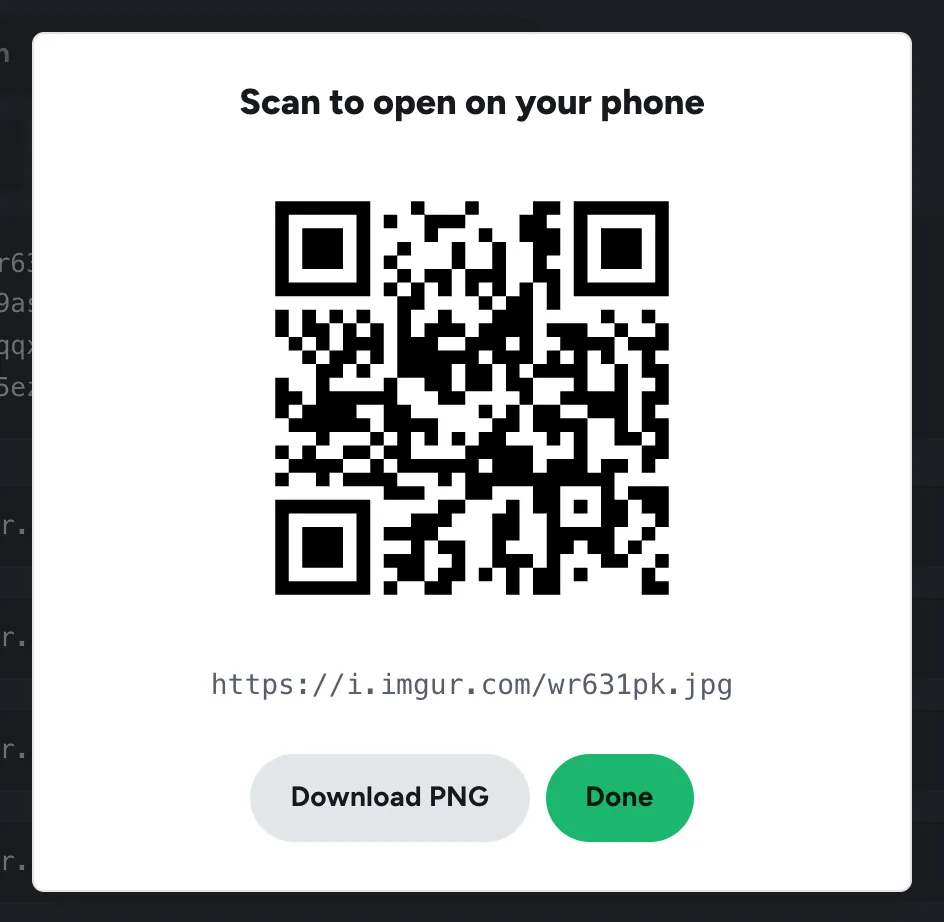
Uploaded something on your computer and need it on your phone? On the results screen, open the image’s ⋯ menu and choose Show QR code, or press QR code under an album. Point your phone’s camera at the code to open the link.
Phone tips
- Use a normal browser tab. My uploads, where your delete keys are saved, is cleared when a private tab closes.
- Save data on mobile networks. Under Options, set Resize before upload to 1920 px. Uploads are faster and the photos still look sharp on screens.
- Videos up to 90 MB. Trim long clips in the Photos app first, or record at 1080p.
- Hide private details. The editor’s Redact tool blacks out names, numbers and faces in screenshots before they leave your phone.
- Dark mode. The site follows your phone’s light or dark setting automatically.
Every feature is explained in the complete guide to using UploadImgur.
Frequently Asked Questions
Do I need the Imgur app to upload from my phone?
No. UploadImgur works in your phone’s browser, such as Safari or Chrome, and doesn’t need an app or an account.
Can I upload iPhone HEIC photos to Imgur?
Yes. Imgur doesn’t accept HEIC, so UploadImgur converts HEIC photos to JPG on your phone before uploading. It happens automatically as soon as you add them.
Can I share photos to UploadImgur from my gallery?
On Android, yes: install UploadImgur from Chrome’s menu (Add to Home screen or Install app), then choose UploadImgur in the Share menu of Google Photos or your gallery. iPhone doesn’t let web apps appear in the Share menu, so open the site and press Choose photos instead.
Where can I find my uploads later on my phone?
In My uploads, in the same browser you uploaded with. Private browsing tabs forget your uploads when you close them, so use a normal tab if you want to delete images later.
Can I upload videos from my phone?
Yes, videos up to 90 MB. Long or 4K videos are often bigger than that, so trim the clip or record at 1080p.
Is the location of my photo shared?
Imgur says it removes photo metadata, which includes GPS location, from every upload. If the photo itself shows something private, black it out with the editor’s Redact tool first.