How to Embed Imgur Images in HTML, Markdown and Forums
To show an Imgur image inside a forum post, a GitHub README or a web page, you need an embed code built from its direct link. This guide shows you how to get the code for any site, including clickable thumbnails and videos.
First, use the direct link
Every embed code starts with the image’s direct link: https://i.imgur.com/AbC12xY.jpg. The normal Imgur link, https://imgur.com/AbC12xY, points to a web page, and a page can’t be shown as an image. If an embedded image appears broken, this is almost always why.
Get embed codes for new uploads
Upload your images
Add your images at UploadImgur.com and press Upload. No account needed.
Choose a format tab
When the upload finishes, pick Direct links, Markdown, HTML or BBCode (1). The code box updates instantly, with one line per image.
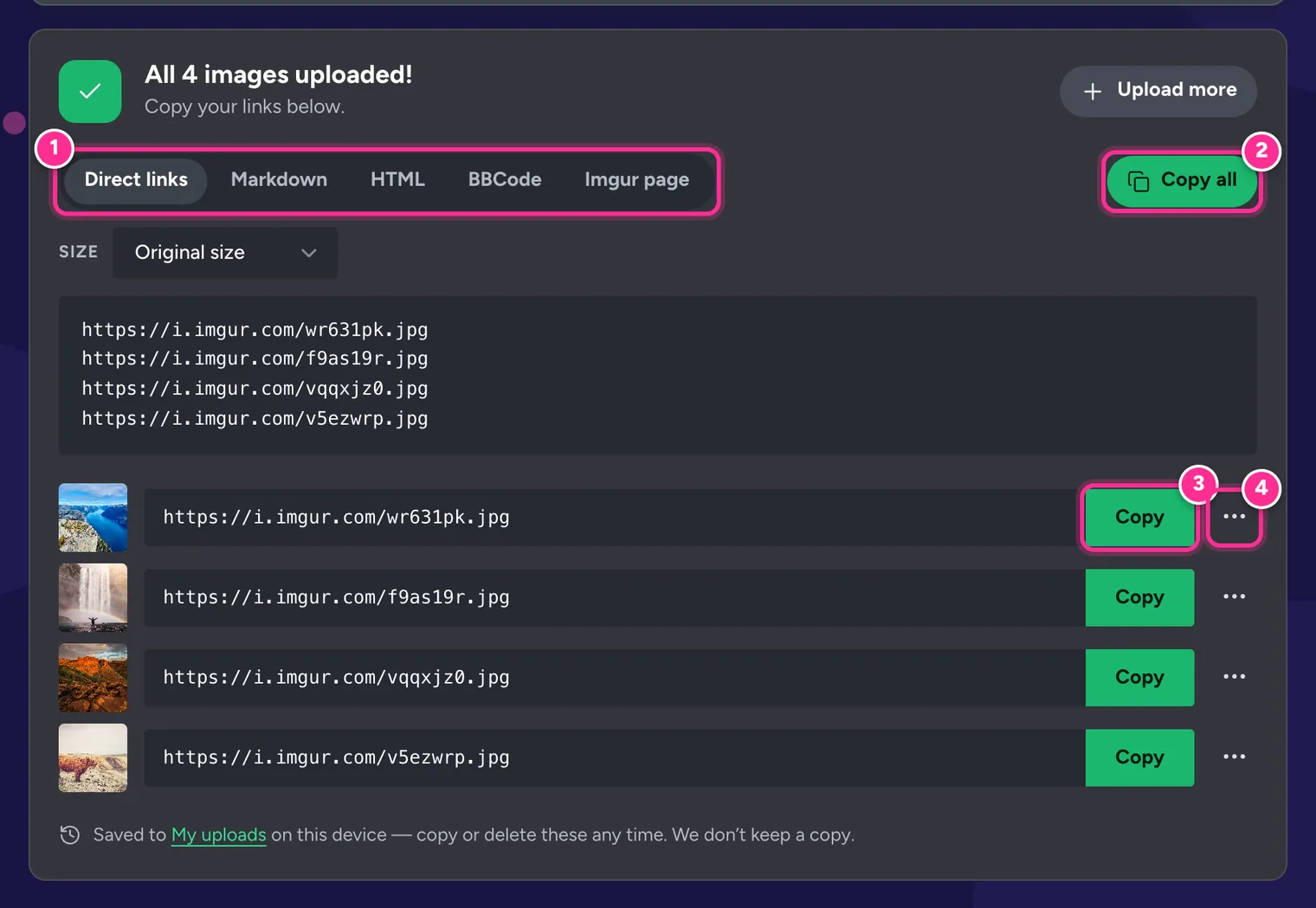
1 Format tabs · 2 Copy all · 3 Copy one link · 4 More formats for one image. Copy the code
Press Copy all (2) for every image, or use the ⋯ menu (4) to copy the Markdown, HTML or BBCode for a single image.
Adding alt text in the editor before you upload puts a proper description into the Markdown and HTML codes, instead of the file name. Search engines and screen readers both use it.
Get embed codes for images already on Imgur
You don’t need to upload again. Paste up to 50 Imgur links (image pages, gallery posts or albums) into the free Imgur Direct Link Generator.
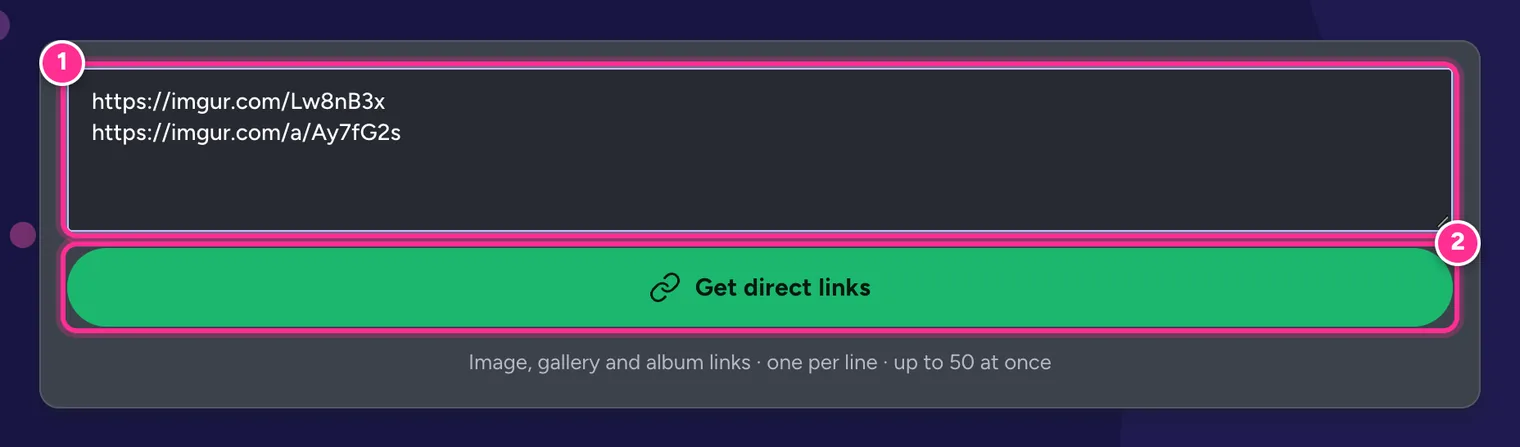
Choose the format and size you need, then press Copy all. Albums are expanded into a line for every image, with the album link first.
Embed codes for every site
Forums (BBCode)
Most forum software, including phpBB, XenForo, vBulletin and MyBB, uses BBCode. Paste this into your post:
[img]https://i.imgur.com/AbC12xY.jpg[/img]![The BBCode tab in UploadImgur's results showing an [img] code for each uploaded image](/images/guides/format-bbcode.webp)
Web pages and emails (HTML)
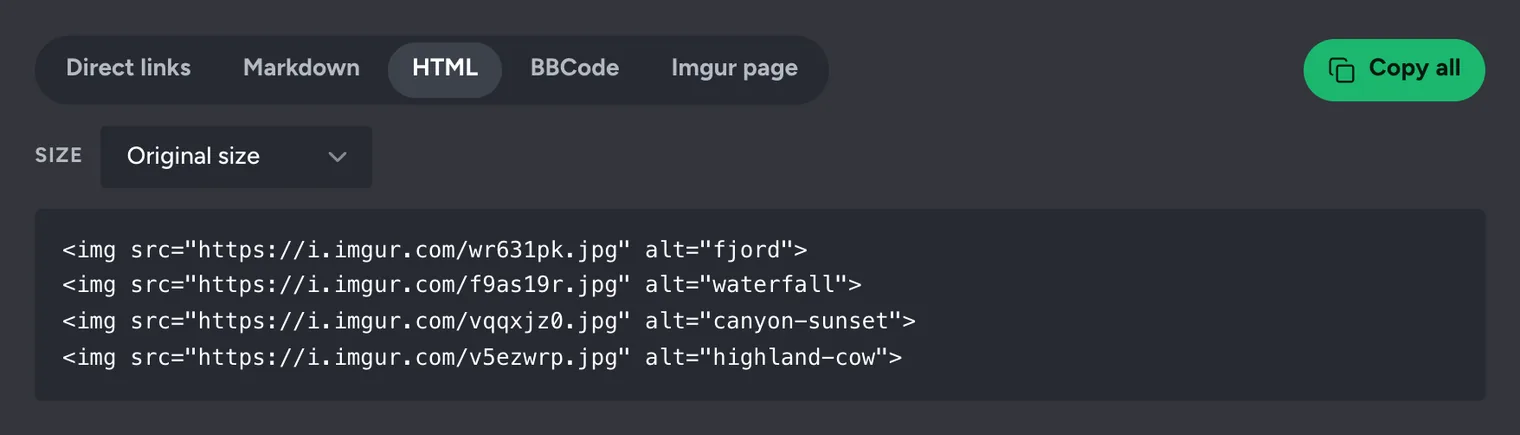
<img src="https://i.imgur.com/AbC12xY.jpg" alt="Describe the image">To stop a large image overflowing a narrow layout, add style="max-width:100%;height:auto". Remember Imgur’s rules about websites, below.
GitHub, GitLab, Reddit and notes apps (Markdown)
This works in README files, issues and pull requests, Reddit’s Markdown editor, and apps such as Obsidian.
Discord, Slack, WhatsApp and Telegram
Chat apps don’t need any code. Paste the direct link on its own and the app shows a preview of the image. Videos posted as .mp4 links play inline in Discord.
Videos
<video src="https://i.imgur.com/AbC12xY.mp4" controls muted loop playsinline></video>UploadImgur writes this tag for you on the HTML tab. Markdown and BBCode can’t play video, so for those formats you get a still image that links to the video. More in How to Upload Videos and GIFs to Imgur.
Thumbnails and clickable thumbnails
Imgur keeps smaller copies of every image. Add a letter after the image ID to use one: for example i.imgur.com/AbC12xYm.jpg is the medium thumbnail. Thumbnails are always JPG.
| Letter | Size | Dimensions |
|---|---|---|
s | Small square | 90 × 90 px, cropped |
b | Big square | 160 × 160 px, cropped |
t | Small thumbnail | up to 160 px |
m | Medium thumbnail | up to 320 px |
l | Large thumbnail | up to 640 px |
h | Huge thumbnail | up to 1024 px |
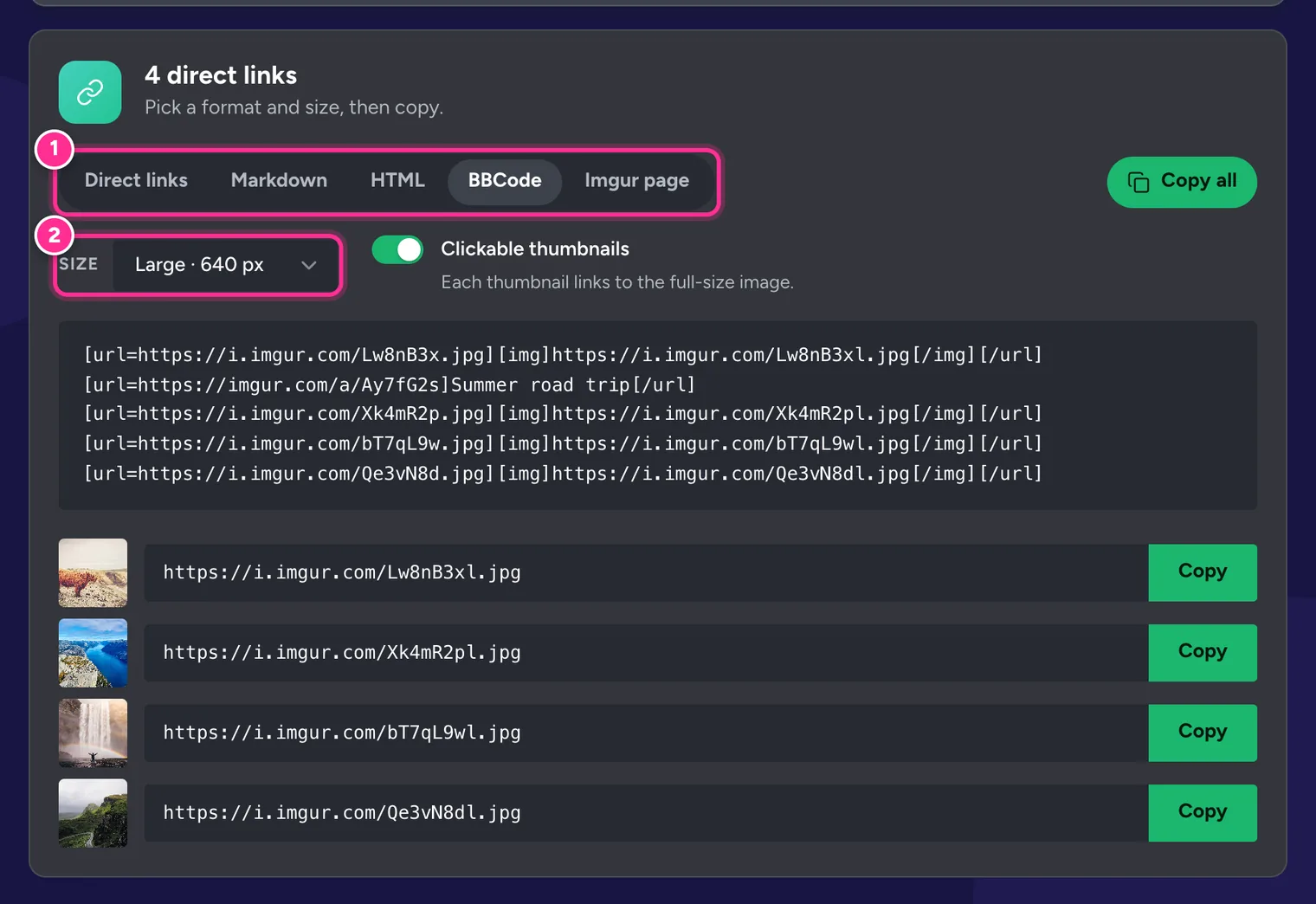
You don’t have to edit links by hand. Pick a size from the Size menu (1) and turn on Clickable thumbnails (2): each small image then links to the full-size one. It is the polite way to post a big gallery on a forum, because pages load quickly and readers open only the images they want.
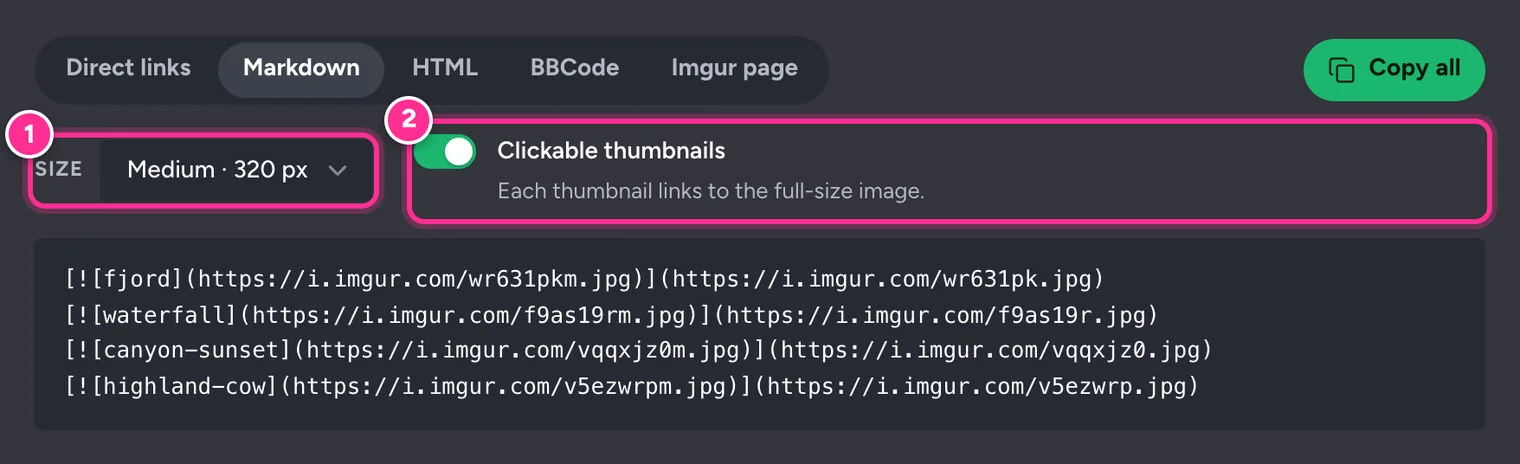
The three formats look like this:
[url=https://i.imgur.com/AbC12xY.jpg][img]https://i.imgur.com/AbC12xYm.jpg[/img][/url]
[](https://i.imgur.com/AbC12xY.jpg)
<a href="https://i.imgur.com/AbC12xY.jpg"><img src="https://i.imgur.com/AbC12xYm.jpg" alt="alt"></a>Where Imgur lets you embed
Imgur is not a website host
Imgur allows embedding images in forums, and sharing them on Reddit, in chats and on social media. Its terms of service don’t allow using Imgur to host image libraries, content for your own website, advertising, avatars or anything else that makes it your content delivery network. Adult content and commercial image hosting are not allowed either.
To show an Imgur post on a blog, use Imgur’s official Embed post option in the ⋯ menu of a public post on the desktop site. It displays the post with its title and uploader, and the post stays hosted on Imgur. For images that are part of your own website, upload them to your site or a service built for that.
Also keep in mind that Imgur has been unavailable in the UK since 30 September 2025. Imgur images embedded anywhere, including forums, don’t load for visitors in the UK.
Frequently Asked Questions
What is the difference between an Imgur link and a direct link?
A normal Imgur link (imgur.com/AbC12xY) opens Imgur’s web page around the image. A direct link (i.imgur.com/AbC12xY.jpg) is the image file itself, which is what HTML, Markdown and BBCode need.
Why is my embedded Imgur image not showing?
The most common reasons are using the page link instead of the direct link, a typo in the code, or a site that blocks external images. Imgur is also blocked in the UK, so visitors there can’t see Imgur images at all.
Can I use Imgur to host images for my website or blog?
Imgur’s terms say no: it allows embedding on forums, but not using Imgur to host content for your website, avatars, ads or anything that turns it into a content delivery network. For a blog post, use Imgur’s official Embed post option or host the images yourself.
How do I embed an Imgur video?
Use the .mp4 direct link in an HTML video tag. Markdown and BBCode can’t play video, so UploadImgur gives you a still image that links to the video instead.
How do I make a clickable thumbnail?
Choose a thumbnail size, then turn on Clickable thumbnails. In BBCode it looks like [url=full image][img]thumbnail[/img][/url]; in Markdown and HTML the thumbnail is wrapped in a link the same way.
Does GitHub show Imgur images in a README?
Yes. Use the Markdown code. GitHub loads external images through its own image proxy, so your README shows the image without visitors connecting to Imgur directly.